 Roohi
1
Download the app
Tap the download button on this page and wait for the APK file to finish downloading on your Android phone.
Warm conversations, voice notes and calls, whenever you feel like talking.
Your download should start automatically. If it doesn't, tap here.
Tap the download button on this page and wait for the APK file to finish downloading on your Android phone.
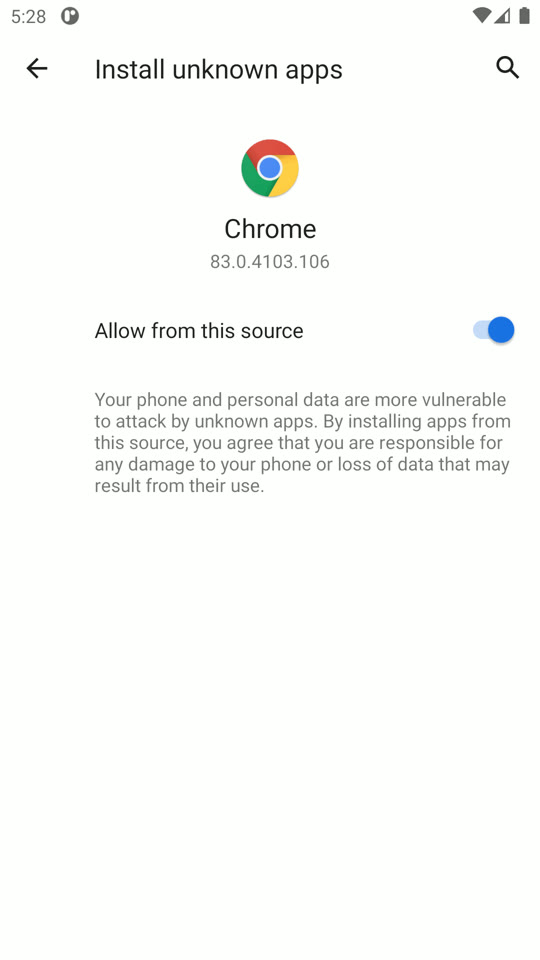
Open your phone settings, allow install from unknown sources for your browser, then open the downloaded file and tap Install.
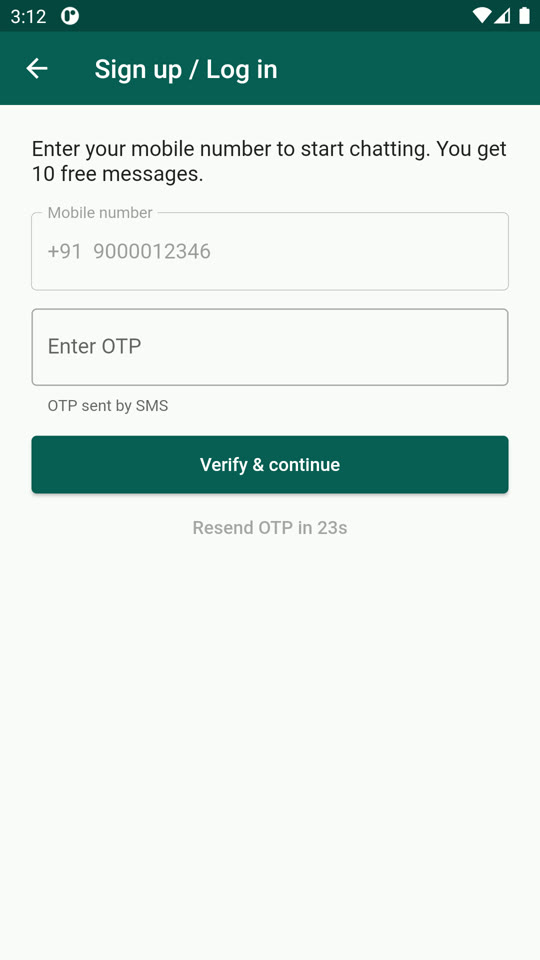
Open the app, register with your mobile number and OTP, and set up your account to start playing.

Point your phone camera at the code to get the Roohi app.
Watch this short video to get started.